
BC-04 RS232 to PC via Bluetooth Module
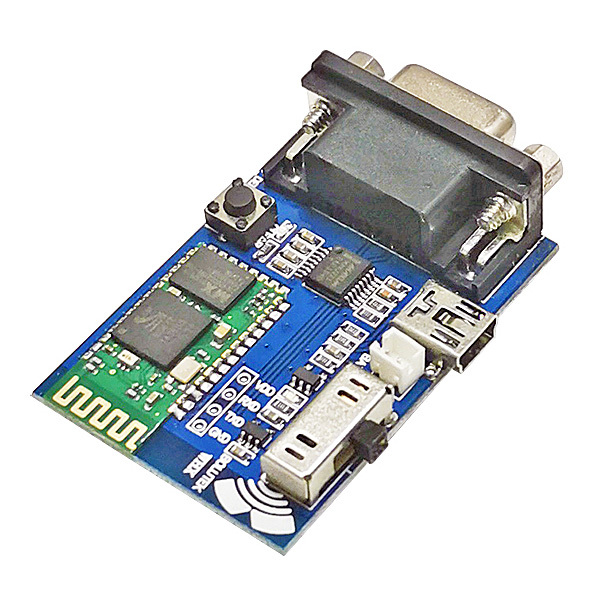
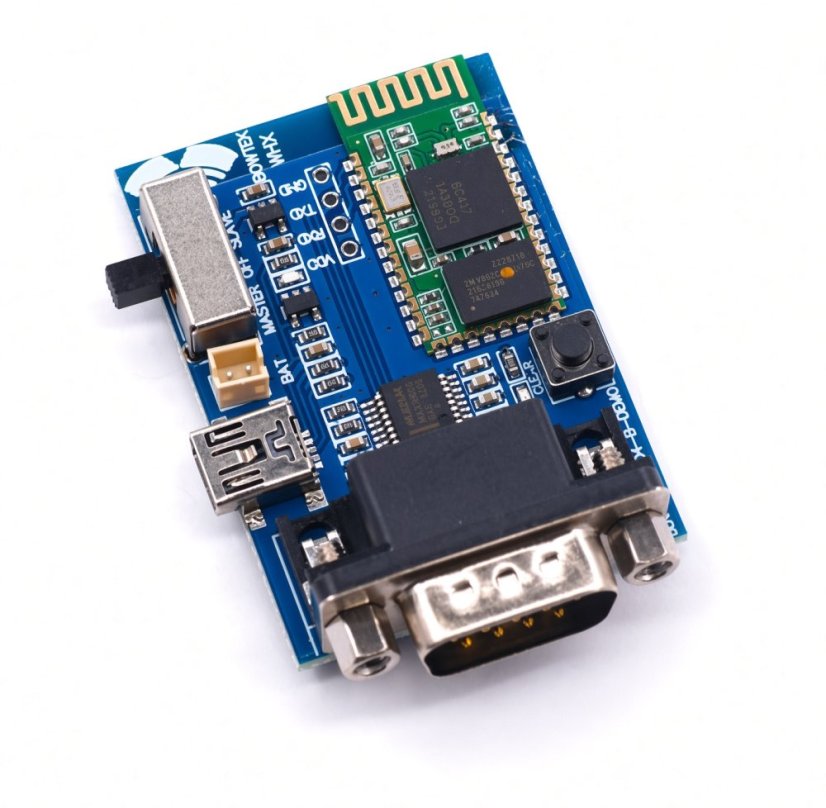
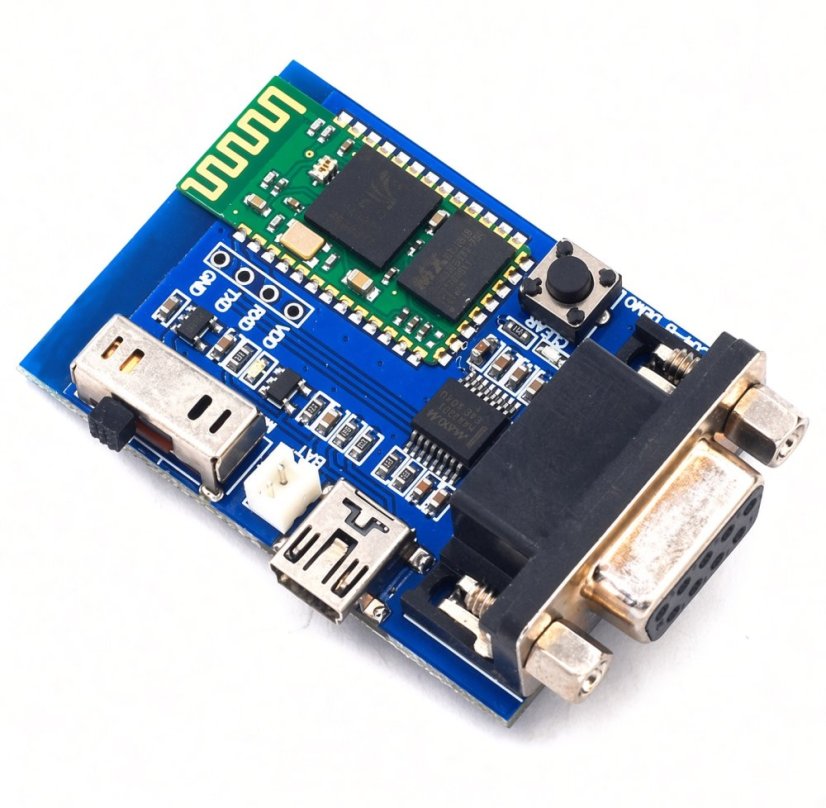
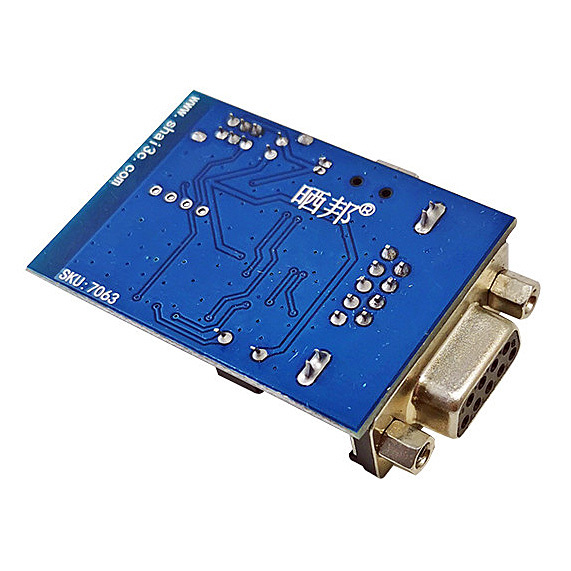




BC-04 RS232 to PC via Bluetooth Module
Variants2
| Connector | Availability | Price incl. VAT | Quantity (ks) | |||
|---|---|---|---|---|---|---|
 |
Male | In stock | 18,30 EUR | |||
 |
Female | Out of Stock Watch availability | 18,30 EUR | Demand |
RS232 to PC via Bluetooth module - wireless converter
This board allows wireless replacement of traditional connection using a serial cable. Installation is simple and does not require extensive changes to the original solution.
The Bluetooth-Serial board contains the Bolutek BLK-MD-BC04-B module (located in the lower right corner). It has a DB9 connector for RS232 and uses a USB cable for standard 5V power supply.
It works with any Bluetooth device using standard Windows drivers. The pairing process is very simple. In slave mode, the Bolutek module appears as another Bluetooth device on the computer and the preset pairing code is 1-2-3-4. After pairing, it provides standard Bluetooth profiles for the serial port (SPP) and creates virtual COM ports.
Main features:
- Uses standard Bluetooth communication protocols without the need to install drivers for Windows or Linux.
- Simple to use without advanced technical knowledge.
- CSR Bluetooth chip supports Bluetooth 2.1 standard with improved BER ratio and automatic frequency hopping.
- The user can configure board parameters using AT commands, such as bps, BT name, etc.
- Supports Bluetooth profiles for serial ports (SPP).
- Transmission power corresponds to Bluetooth Class2 standard with built-in highly sensitive antenna, communication distance up to 15 meters in open space.
- Mini USB power adapter.
- RESET button to erase the paired device from the adapter to connect a new Bluetooth device.
Technical specifications:
- Implemented standards: Bluetooth SIG v2.1 + EDR
- Bluetooth protocol: Bluetooth profiles for serial port (SPP)
- Interface: RS232 DB9
- male
- female
- Communication speed: 1200,2400,4800,9600,14400,19200,38400,57600,115200,230400,460800,921600 bps
- Modulation: 2.4G ISM direct frequency hopping (FHSS)
- Communication distance: 15 meters in open space, Class 2 level
- Transmission power: 4 dBm
- Receiver sensitivity: -79 dBm
- Operating voltage: 5V
- Operating current / current when off: 40mA/1.6mA (typical value)
- Operating ambient temperature / storage temperature: -10-50 °C / -20-80 °C
- Dimensions: 56.5mm * 38.5mm * 14.5mm
Instructions for use:
LED meaning:
lit – connection established (COM open)
slowly blinking – SLAVE mode
fast blinking – MASTER mode
Password for possible pairing: 1234
Data transfer PC <=> BT:
SLAVE switch
power +5V from BAT connector (not USB)
CAN9 connection using straight cable (do not cross RX/TX)
after connection established blue LED is lit (otherwise blinks)
basic transfer 9600Bd 8N1 (to change must be set via AT+BAUD)
Connecting RS-232 to CAN9F connector
When connecting, note that RX is not on pin 2, but on pin 4!
pin 5 – 0V
pin 4 – RX
pin 3 – TX
Example of SLAVE mode, data transfer between COMs:
1. Connect power to USB mini connector (red LED will light up)
2. Connect CAN9F connector to PC to the selected installed COM (pins 3 (TX), 4 (RX), 5 (0V))
3. Switch to SLAVE mode (blue LED blinks)
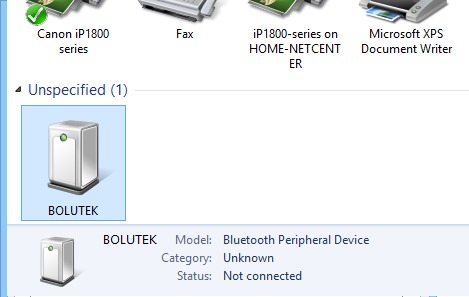
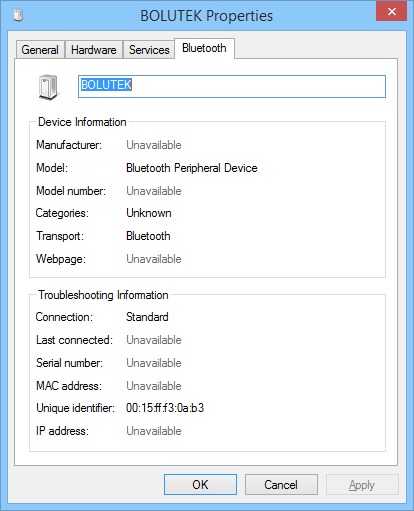
4. In OS devices find and add BT module (Bolutek). Pairing password:1234.
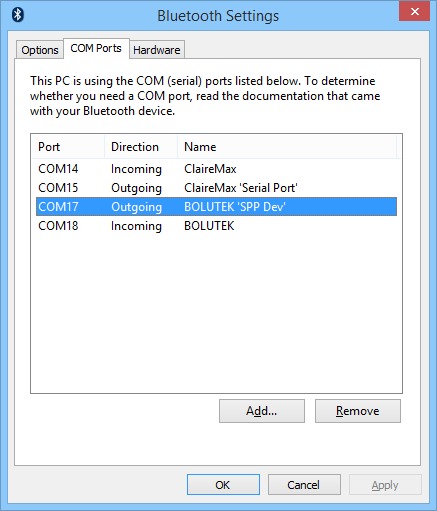
5. After installation in the services tab enable serial port SPP
6. After connecting SPP COM blue LED lights up, you can transfer data (default, 9600Bd, 8, N, 1)


 Austria
 Belgium
 Bulgaria
 Croatia
 Denmark
 Estonia
 Finland
 France
 Greece
 Hungary
 Ireland
 Italy
 Latvia
 Lithuania
 Netherlands
 Poland
 Portugal
 Romania
 Slovenia
 Spain
 Sweden
