
USB Watchdog AC3281 - Automatic Restart for Cryptocurrency Mining



USB Watchdog AC3281 - Automatic Restart for Cryptocurrency Mining
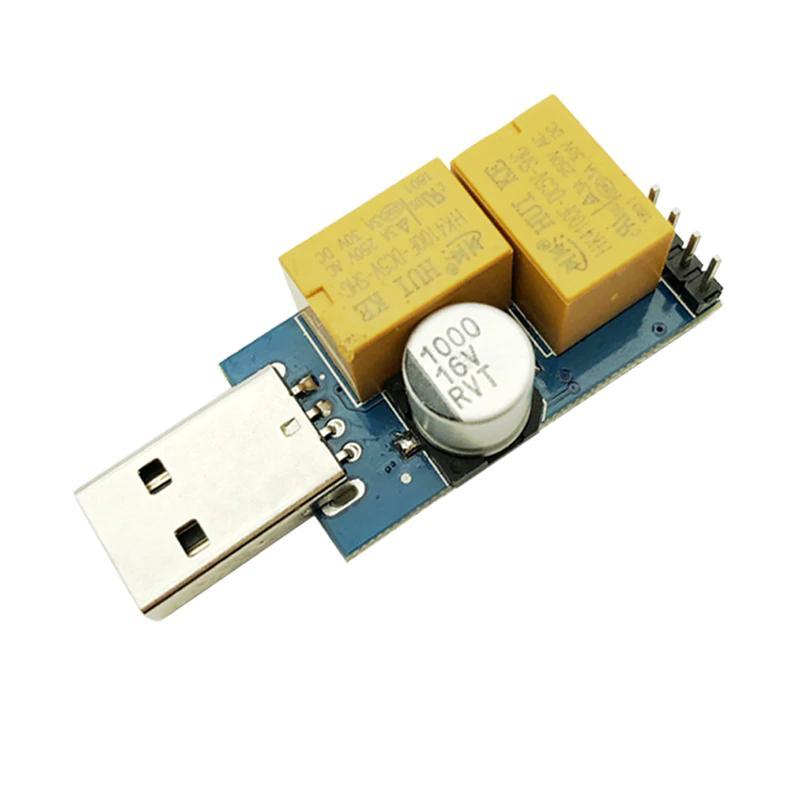
USB Watchdog Automatic Computer Restart Designed for Servers Engaged in Cryptocurrency Mining, e.g., BTC, etc.
This product is designed to automatically restart computers in the event of a blue screen error. It serves as a useful aid for cryptocurrency mining, server systems, monitoring systems, etc.
Features:
- Compatible with a wide range of computer motherboards. Motherboards must have Type-A USB interface.
- Can be used with Windows x86/x64 systems, including Windows XP, Windows 7, Windows 8, Windows 10, etc.
- For some motherboards, it may be necessary to install the appropriate driver.
- With desktop software, you can accurately monitor the program to suit your needs, which increases its efficiency.
- Restart timeout is set from 10-1270 seconds, adjustable as needed.
- Latest version of desktop monitoring software: USB WatchDog V2.3.
Functions:
- Dual transmission
- Specified program monitoring
- Scheduled restarting
- Website monitoring
- Video card monitoring
- Record query execution
- Support for forced shutdown restart
- Support for automatic restarting during power outages
How to use it?
1. Install the driver
Before connecting the USB Watchdog to your computer, double-click on "Watchdog Driver.exe", click on "install", and wait for the installation to complete.
2. Connect the Watchdog to the USB port of your computer.
Connect the Watchdog to the USB port of your computer. Do not temporarily connect the cable to the reset port on the motherboard as the set restart time is 3 minutes; if the driver installation does not finish within 3 minutes, the USB Watchdog may send a signal to restart. Wait for the computer to complete automatic recognition of the Watchdog module.
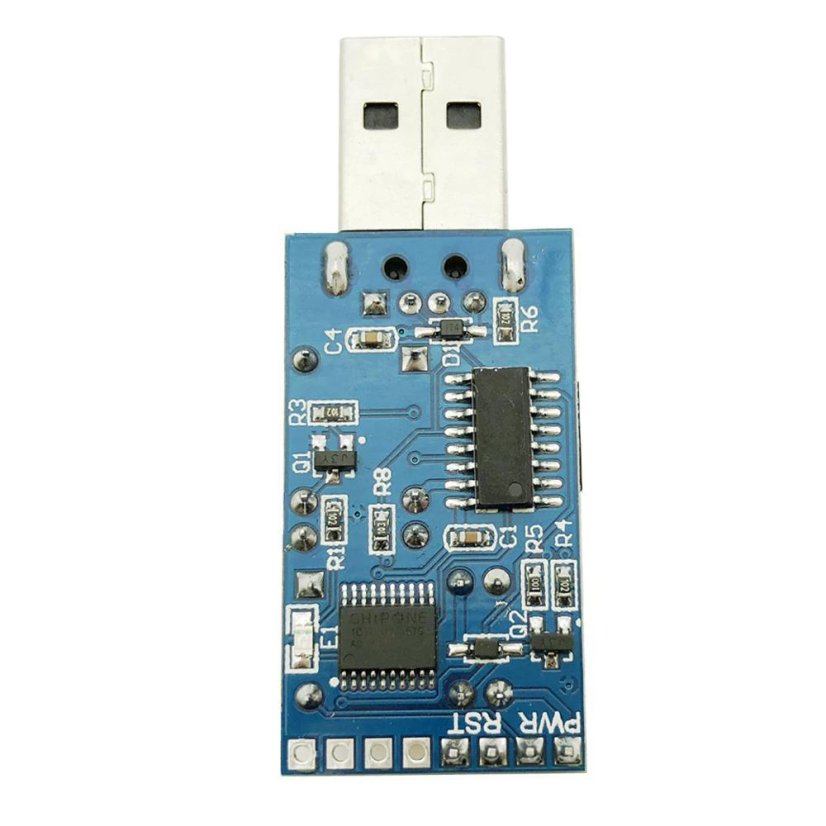
3. Connect the cable to the reset port or power port on the motherboard.
4. Set up the USB Watchdog Monitor Software.
A. Open USBWatchDog V2.3.exe and configure settings according to your needs.
B. Edit config.inf
Note: After changing the configuration, software restart may be required.
You can find software updates online by searching for updates for Watchdog drivers (version) or download it here. Antivirus software may protect the program's operation, so please keep it constantly enabled. When the Watchdog program is running, the USB LED blinks. If the USB LED light is steady, it indicates a computer error.
The file PCWatchDog_V9.0_en.exe stored on UlozTo is virus-free, as verified on Virustotal.com
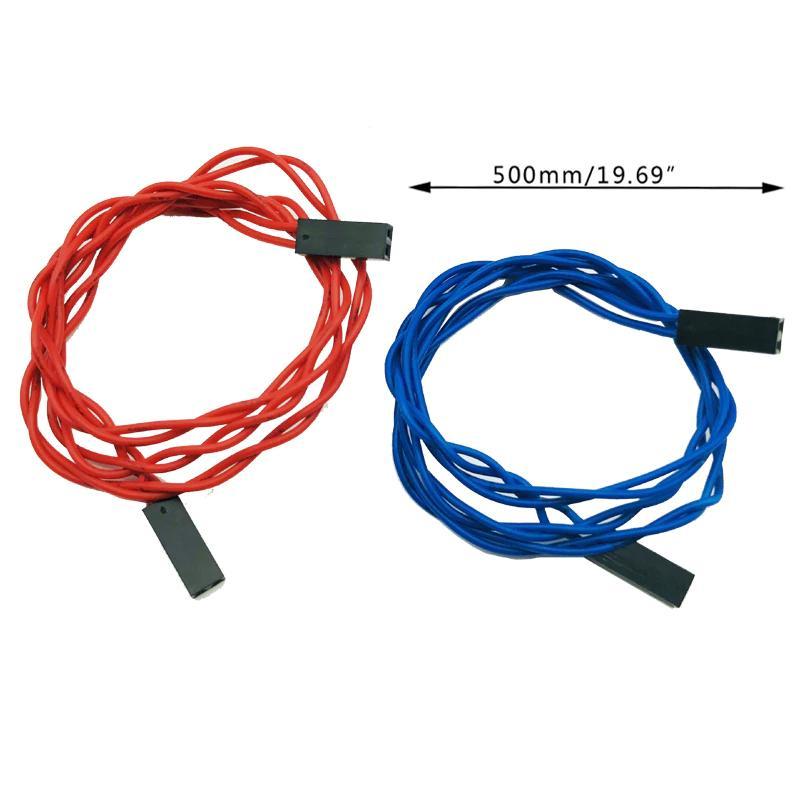
The dual-color wire design helps prevent incorrect connection to interfaces.
Specifications:
- Model: AC3281
- Product: USB Watchdog
- Material: Metal + plastic
- Color: See images
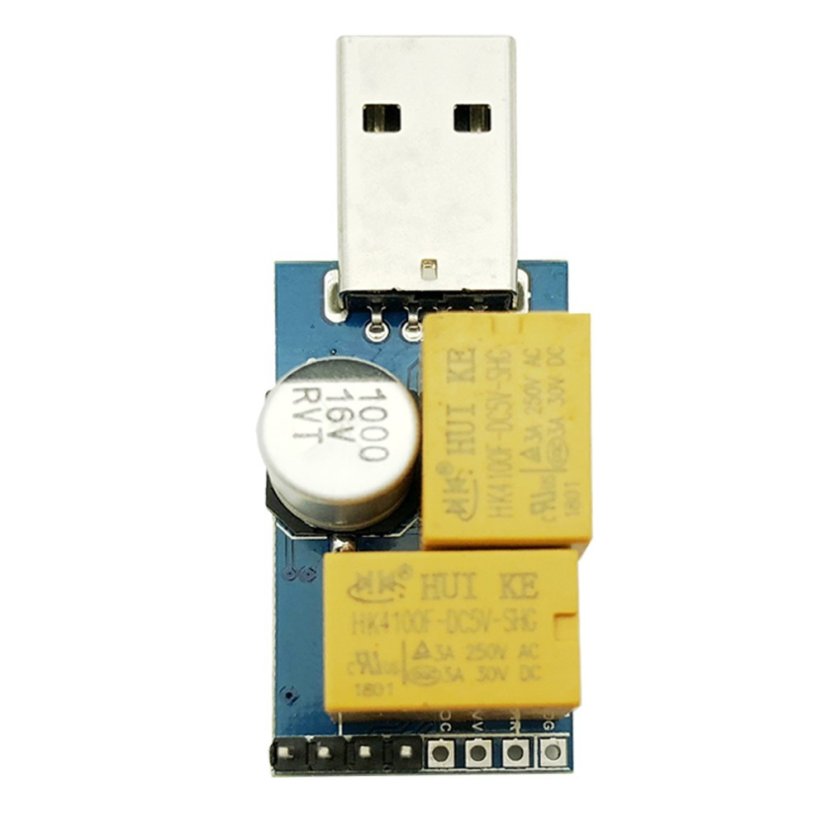
- Size: 5.3×2.0×1.5 cm (approximately)
- Cable Length: 50 cm/19.69 in (approximately)
Package Contents:
- 1 x Watchdog control board
- 1 x Reset control cable


 Austria
 Belgium
 Bulgaria
 Croatia
 Estonia
 Finland
 France
 Greece
 Hungary
 Italy
Italy Latvia
 Lithuania
 Netherlands
 Poland
 Portugal
 Romania
 Slovenia
 Spain
Spain Sweden